
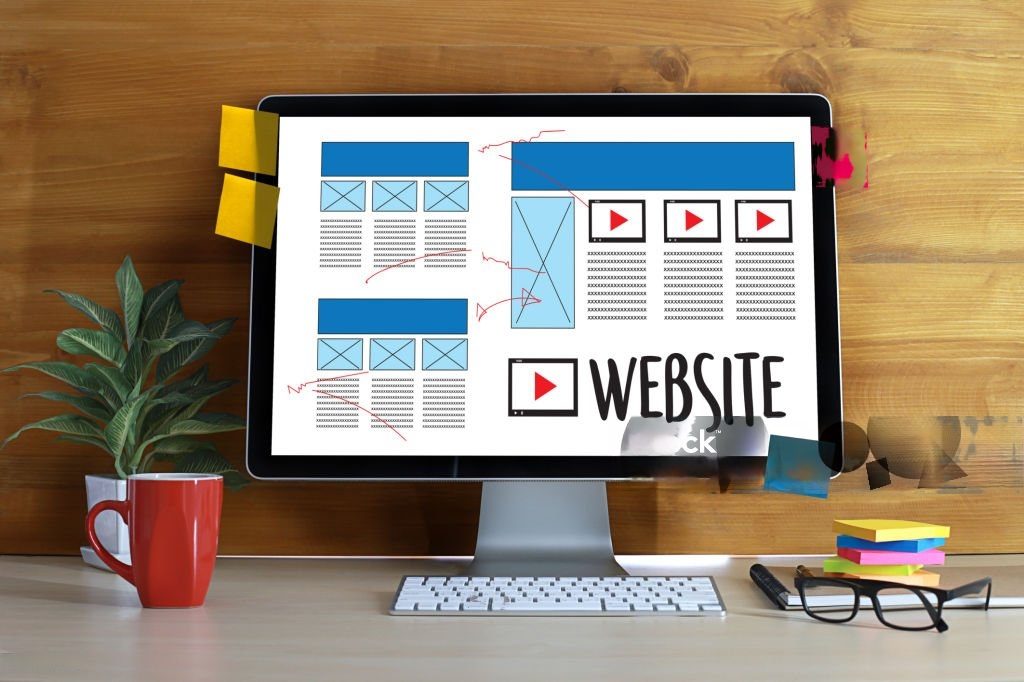
An engaging website design makes it obvious what a business does, works on every screen size, loads quickly and gives visitors one clear next step. Looks matter, but clarity, speed, accessibility and trust matter more. This guide covers the design decisions that have the most effect for Ottawa businesses: how to lay out the first screen, how to research your audience, mobile design, navigation, accessibility, local content and what to check before launch.
What Makes a Website Design Engaging?
Engagement is not decoration. A site holds attention when it does four things well:
- It is clear. Visitors know what you offer and where to go next.
- It is fast and stable. Pages load quickly and do not jump around.
- It is accessible. People with different abilities and devices can use it.
- It is believable. Real contact details, real photos and honest proof build trust.
What Should the First Screen of Your Homepage Include?
Most visitors decide within moments whether a page is relevant, so the first screen carries the most weight. This wireframe shows the five parts worth getting right.
- Logo and clear navigation. A few plainly labelled menu items and one visible action.
- A headline that says what you do and for whom. Visitors should understand it in a few seconds.
- One primary call to action. Pick the single next step you most want people to take.
- Proof. Real reviews, credentials or client names, only where you have permission and can back them up.
- Contact details. Phone, address, hours and a way to message you, easy to find and consistent everywhere.
How Do You Understand Your Audience Before Designing?
Use evidence you already have before commissioning anything new:
- Search Console queries show the words people use to find you.
- Analytics shows which pages, devices and sources bring visitors, and where they leave.
- Customer questions from calls, emails and reviews tell you what the site should answer.
- A few short customer conversations often reveal more than a broad survey.
Write down who the site is for, what they need to decide and what you want them to do. Design decisions get easier once those three answers exist.
Why Does Mobile Design Matter?
Google uses the mobile version of a site’s content for indexing and ranking, which it calls mobile-first indexing. Google recommends making sure the mobile version has the same primary content, headings, metadata and image alt text as the desktop version, and says a mobile page with less content may lose traffic. Responsive design, where one layout adapts to every screen, does this by default. On a phone, check that buttons are easy to tap, text is readable without zooming and nothing important is hidden behind an interaction.
Open your own site on a phone, on mobile data, and try to complete your main action with one hand. Wherever you struggle, your visitors will too.
How Should You Design Navigation and Page Speed?
- Keep menus short and use plain labels such as “Services”, “About” and “Contact” instead of clever names.
- Make every page reachable in a few clicks and add breadcrumbs on deeper pages.
- Add search if your site has many pages or products.
- Remove clutter, such as pop-ups that block content or competing buttons.
- Aim for good Core Web Vitals. Google’s Core Web Vitals targets are a Largest Contentful Paint of 2.5 seconds or less, an Interaction to Next Paint of 200 milliseconds or less and a Cumulative Layout Shift of 0.1 or less, measured at the 75th percentile of visits.
Is Website Accessibility a Legal Requirement in Ontario?
For many organizations, yes. Under the Accessibility for Ontarians with Disabilities Act (AODA), public websites must meet WCAG 2.0 Level AA if they belong to designated public sector organizations or to businesses and non-profits with 50 or more employees, according to the Government of Ontario’s guide to making websites accessible. Smaller businesses may not be covered, but accessible design helps every visitor and is good practice either way. Practical starting points include:
- Text alternatives for images.
- Enough colour contrast, and not relying on colour alone.
- Full keyboard use with a visible focus state.
- Labels and clear error messages on forms.
- A page title and the page language set correctly.
This is general information, not legal advice. Confirm your own obligations before relying on it.
How Do You Use Local Content and Imagery Well?
- Use real photos of your team, premises and work instead of generic stock where you can.
- Reference Ottawa naturally, such as neighbourhoods you serve or local events you take part in, only where it is true and relevant.
- Publish only real testimonials and get permission before naming a customer.
- Consider French. Ottawa is a bilingual region, so decide whether some or all pages should be offered in both languages.
- Keep your name, address and phone number identical on the site and your Google Business Profile.
What Design Choices Affect SEO?
Design and SEO overlap more than people expect. Give every page a unique title and one clear H1, write descriptive link text, use real text instead of text baked into images and link related pages together. Choose keywords by what each page is about and what people search, not by repeating a phrase throughout the site. Our guide to building an SEO plan explains how to do that, and our post on website health and SEO performance covers what to keep checking after launch.
Pre-Launch Checklist
- The first screen explains what you do, for whom, and what to do next.
- The site works well on a phone, a tablet and a desktop browser.
- Key pages pass a speed test and do not shift while loading.
- Images have meaningful alt text and sufficient contrast.
- Every form, button and link has been tested.
- Contact details match your Google Business Profile.
- Each page has a unique title, description and H1.
- Analytics and Search Console are set up before launch.
Working With Digitalise
Digitalise is an Ottawa-based marketing agency that offers web development alongside SEO, performance marketing, graphic design and animation. We do not promise specific results. If you are planning a new site or a redesign, see our website development services.
Frequently Asked Questions
What makes a website design engaging?
Clear messaging, fast loading, mobile-friendly layout, simple navigation, accessibility and believable proof such as real photos and contact details.
Why does mobile responsiveness matter for SEO?
Google uses the mobile version of your content for indexing and ranking, so the mobile version should have the same primary content, headings and metadata as desktop.
How fast should a website load?
Google’s Core Web Vitals targets are a Largest Contentful Paint of 2.5 seconds or less, Interaction to Next Paint of 200 milliseconds or less and Cumulative Layout Shift of 0.1 or less.
Does my Ottawa business need an accessible website?
Under the AODA, businesses and non-profits with 50 or more employees must make public websites meet WCAG 2.0 Level AA. Smaller businesses should still follow accessible design as good practice.
Should an Ottawa website have French content?
It depends on your audience. Ottawa is a bilingual region, so offering key pages in French can help if your customers use both languages.
Do I need local keywords in my site design?
Use location terms where they are true and useful, such as in your address, service area and page content. Avoid repeating a phrase unnaturally.
Final Thoughts
An engaging website is one that visitors can understand, use and trust. Start with the first screen, test on a phone, fix speed and accessibility problems early and keep your local details accurate. Design improves when it follows what your audience actually does.