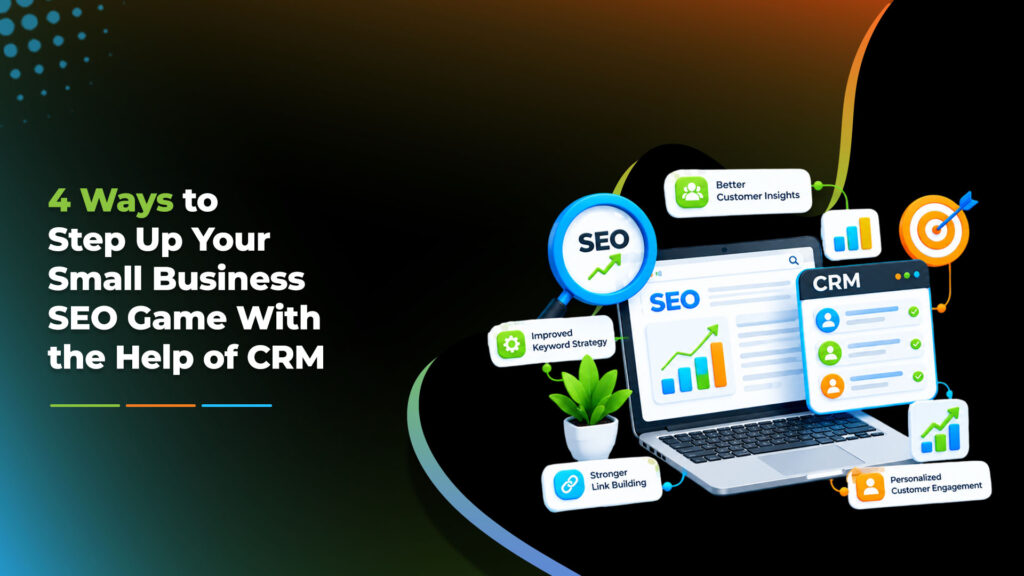
A CRM, or customer relationship management system, can improve a small business’s SEO by turning what customers say and do into evidence about what to publish, when to publish it and which marketing actually brings in customers. A CRM does not raise rankings by itself. It supplies data that makes your SEO decisions better. This guide explains four practical ways to use that data, what an SEO-ready CRM record looks like and the privacy rules to follow.
What Is the Link Between CRM and SEO?
A CRM records your contacts, enquiries and sales. SEO, as explained in our guide to how SEO works, is about helping search engines find and show your pages to the right people. The connection is first-party data: your CRM knows how customers describe their problems, when they buy and where they came from, which are things keyword tools can only estimate.
What Does an SEO-Ready CRM Record Look Like?
You do not need a complex setup. A few extra fields on each contact are enough to start:
1. Capture the Words Your Customers Actually Use
When you speak to new customers, ask how they found you. If they searched, ask what they typed. Record that phrase, along with questions from calls, chats and emails, in a dedicated CRM field. Review them monthly and group them into themes. Each theme can become a page, a heading or a frequently asked question written in natural language.
Treat these phrases as clues, not proof. A phrase from one customer does not guarantee that many people search for it, so check it in Search Console and the results page. A phrase with low search volume can still be valuable if the people using it are ready to buy. And do not stuff phrases into your content. Write for people, and use customers’ words where they fit naturally.
Illustrative examples:
| What customers say | What it suggests | Possible page or section |
|---|---|---|
| “How much does this usually cost?” | Buyers want pricing guidance | A pricing factors guide |
| “Do you work on weekends?” | Hours are unclear | Clear hours on the contact page and Business Profile |
| “Do you come to my area?” | Service area is unclear | A service area section, if it is accurate |
2. Spot Buying Patterns and Seasonal Demand
Run a CRM report of enquiries and sales by month and by service. If demand rises at certain times, update the relevant pages before the peak. Search engines need time to crawl and index changes, and Google says changes can take from a few hours to several months to appear, so do not wait until the busy season starts. Refresh the existing page where possible instead of creating a new one each year, and confirm the pattern with Search Console data, which shows when searches for a topic rise.
3. Connect SEO to Real Leads and Revenue
Traffic and rankings matter only if they lead to customers. Record the lead source on every contact, and tag links you control with UTM parameters, using at least a source, a medium and a campaign name. Then you can see which channels produce customers, not just visits. This also settles the social media question: we can find no Google documentation that social activity directly boosts rankings, so use your CRM to see whether social leads turn into sales. Our post on turning social media likes into leads shows how to follow that journey.
4. Organize Outreach and Relationships That Earn Links
A CRM is good at remembering people: local associations, suppliers, partners, event organizers, journalists and bloggers who might mention or link to you. Log who you contacted, what you offered and when to follow up. Offer something useful, such as a guide, data or an expert quote, instead of asking for a link outright.
Be careful with guest posting. Google’s spam policies list links with optimized anchor text in guest posts distributed on other sites as link spam, and treat buying or selling links for ranking as spam too. Paid or sponsored links are acceptable when marked with rel=“nofollow” or rel=“sponsored”. Follow CASL when you send outreach emails.
Customer data is personal information. Under PIPEDA, you should explain why you are collecting it, get appropriate consent, collect only what you need, keep it secure and use it only for the stated purpose. See the Privacy Commissioner’s fair information principles. Record search phrases and sources, not sensitive details.
What Should You Look for in a CRM?
Choose by fit, not by popularity:
- Custom fields, so you can record lead source and search phrases.
- Form and website connections, so enquiries arrive with their source attached.
- Simple reports by month, service and source.
- Data export and access controls, so you can move data and limit who sees it.
- A realistic price for the features you will actually use.
Common Mistakes to Avoid
- Stuffing customer phrases into pages instead of writing naturally.
- Not training staff to ask and record the source and phrase consistently.
- Collecting more personal data than you need.
- Expecting instant results. Better data improves decisions over time.
- Treating the CRM as a ranking factor. It is a source of insight, not a signal to Google.
Working With Digitalise
Digitalise is an Ottawa-based agency that offers CRM support and SEO alongside web development, performance marketing, social media and design. We do not promise rankings or specific results. To learn more, see our CRM support services.
Frequently Asked Questions
Can CRM improve SEO?
Indirectly. A CRM does not change rankings by itself, but its data shows which phrases customers use, when they buy and which channels produce customers, which helps you make better SEO decisions.
How do I find customer keywords using a CRM?
Ask new contacts how they found you and what they searched, record the phrases in a dedicated field and review them monthly. Verify demand with Search Console before building pages around them.
Does social media activity in a CRM help rankings?
We can find no Google documentation saying it does. Use your CRM to see whether social leads convert, and judge social media by traffic and enquiries.
Is guest blogging still good for SEO?
Useful guest content on relevant sites can raise awareness, but Google treats large-scale guest posting with optimized anchor text as link spam. Never buy links for ranking.
Is it legal to record what customers tell me?
In Canada, PIPEDA expects you to explain why you collect personal information, get consent and protect it. This is general information, not legal advice.
Do small businesses really need a CRM?
Not always. If you handle few enquiries, a simple spreadsheet can work. A CRM becomes useful as contacts, channels and follow-ups grow.
Final Thoughts
The best SEO insights often come from customers themselves. Record where they came from and how they describe what they need, review it regularly and use it to decide what to publish, when to update it and which channels deserve your effort.